 Weighthouse
Use cases / Managed downloads
Downloads that finish while you're gone.
Large model downloads take time, and sometimes they get interrupted. You might be downloading a whole repository, grabbing a single quant, or collecting a variety of models for a custom workload. Keeping track of those transfers can become a job of its own.
Weighthouse lets you choose the files you need from Hugging Face and add them to a managed download queue. It runs the transfers, retries transient failures, and preserves completed files across pauses and restarts. You can check progress, pause individual downloads or the whole queue, bump urgent downloads to the top of the queue, and come back later to see how things are going.
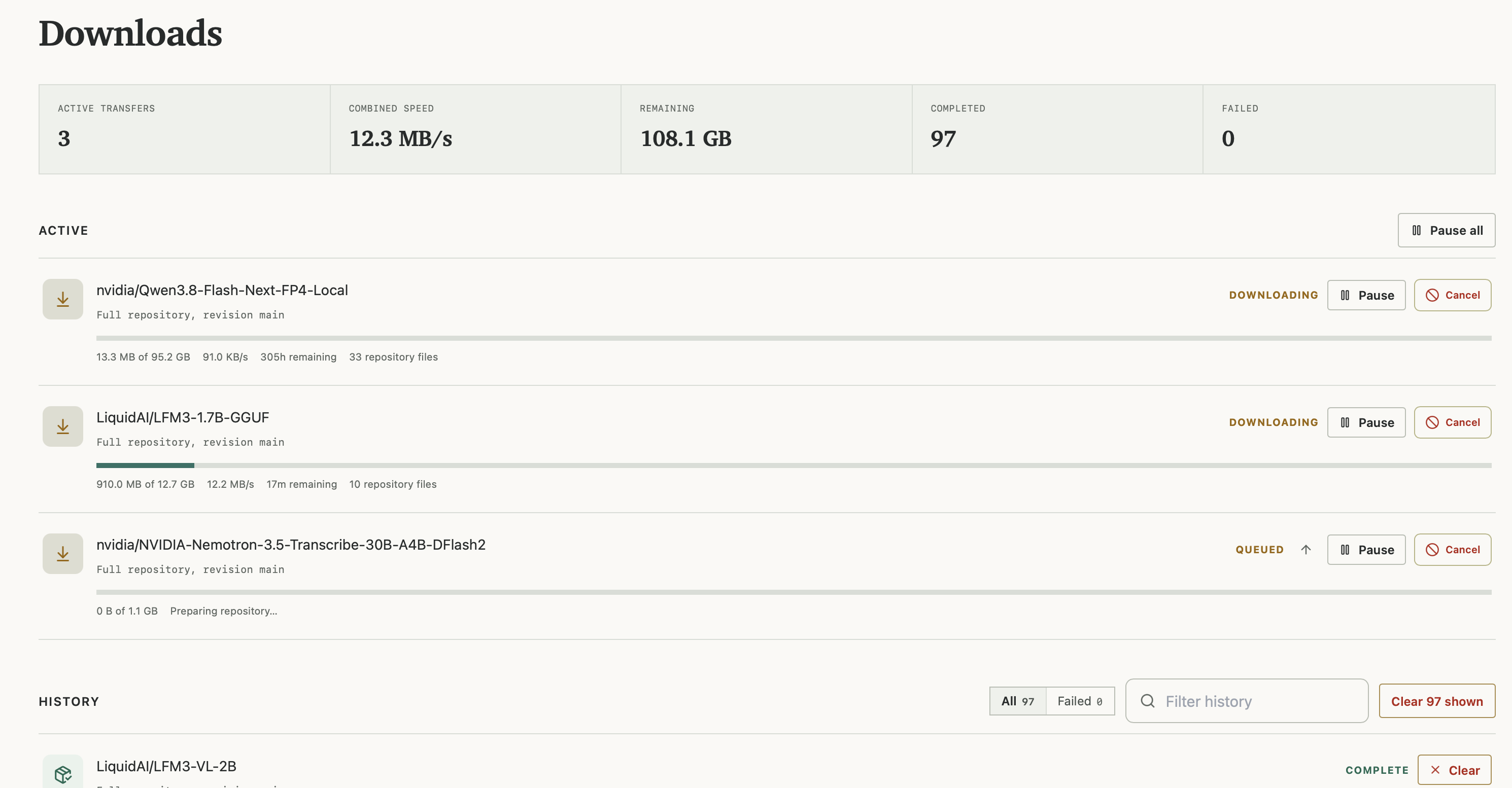
Download the files you actually need
A model repository can contain several quantizations, different weight formats, and a variety of supporting files. You might want the whole repository, but sometimes you only need one version of the weights and the support files that go with it.
Weighthouse lets you download a full repository, choose individual SafeTensors weights with their supporting files, or select a specific GGUF quantization. For more particular selections, you can use include and exclude patterns to choose which files get downloaded.
You can also download just the metadata, configuration, tokenizer, and documentation files without pulling down the model weights. That gives you a way to inspect the repository before committing the time and storage to a larger download.
Pick up after an interruption
A connection failure or server restart shouldn’t mean downloading every file again. Weighthouse retries transient transfer failures and preserves completed files so they can be reused when the download resumes.
Recovery happens at the file level. Completed files are skipped; a file that was interrupted partway through starts again. If a repository contains several large weight files, you keep the progress from the ones that already finished.
You can also cancel a download without removing the files it has already written. Starting the same download again lets Weighthouse reuse completed files.
Download large models without tying up precious RAM
Downloading a model shouldn’t require enough RAM to load it. Weighthouse’s default HTTP transport streams files through a small, fixed memory buffer, so large weight files can be written to disk without needing to be held in memory.
For high-bandwidth systems, Weighthouse also offers an optional Xet transport that can improve download speeds. It uses more memory to buffer transfers, so it’s a choice you can opt in to based on the machine running your downloads.
Download gated models with your HF token
Access to gated models is granted to your Hugging Face account, and you need to request it through Hugging Face’s interface.
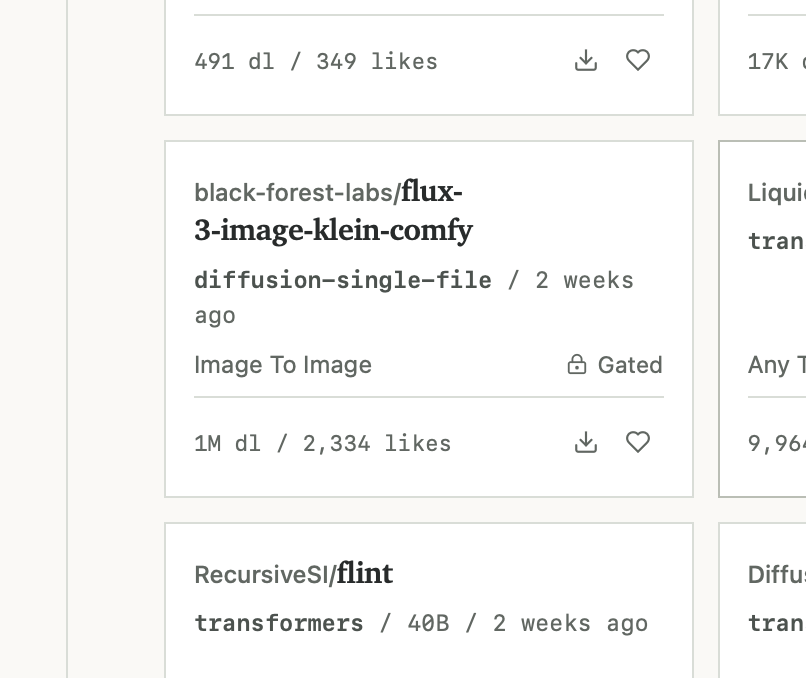
Once your Hugging Face account has been granted access to a gated repository, you can download it through Weighthouse. Configure a read-only Hugging Face token once on your server, then choose the files you want and add them to your queue. Weighthouse checks for access before starting the download.
Your token stays on the server. It isn’t sent to your browser or returned through the API, so you can use the web interface or even an authorized agent to request downloads without passing your Hugging Face credentials around all willy nilly.
Read the downloads documentation · Revision tracking · MCP and the API